

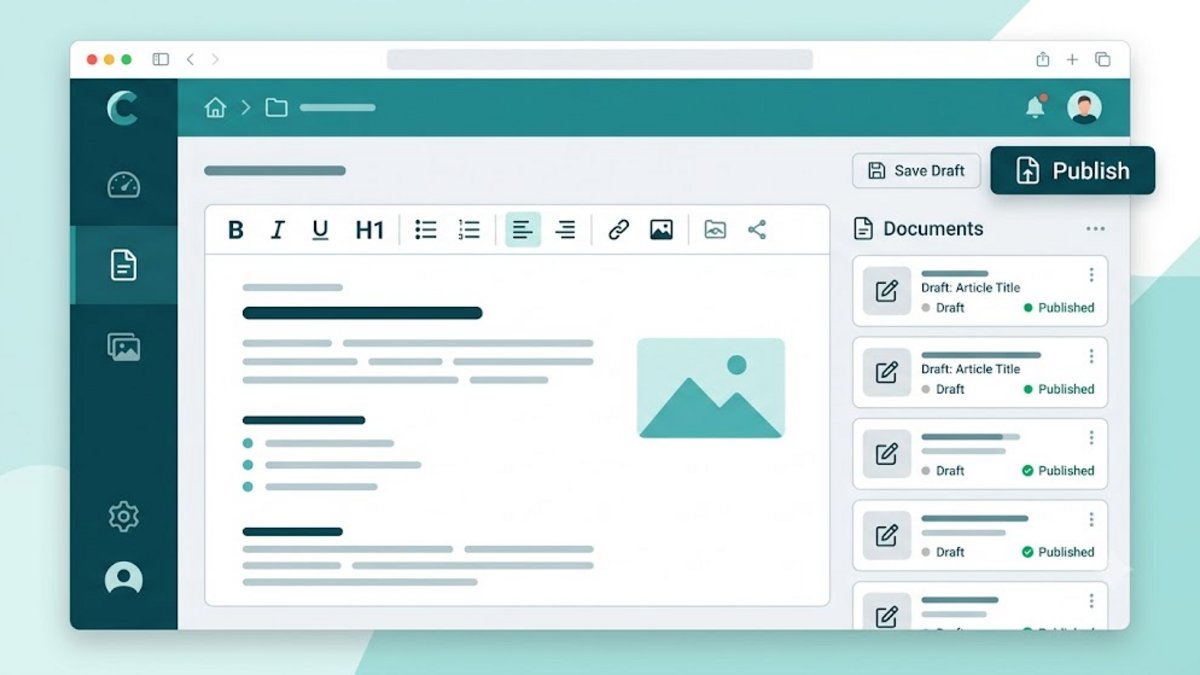
Jyavani Core 2.3.74 stores articles and pages in the same content table, but gives them separate dashboard flows and permissions. Articles can have several categories; pages do not have category relationships.
Create and publish
- Open Posts or Pages, then select add new.
- Fill in the title, unique ASCII slug, and content in the Quill editor.
- For articles, select a category and thumbnail if necessary.
- Choose Drafts, Published, or Private, then save.

The draft does not appear publicly. Published publicly routable. Private is only available to authenticated users who pass access checks. The ability to read, create, update, publish, move to Trash, and permanently delete is determined by the owner's permissions and scope, not just the old role label.
Slug and route
The slug must be unique among articles, pages, and active content themes. Core also supports content_routes: one canonical route per content and locale, with the old route remaining a redirect alias. If the old content does not yet have a canonical route, the old permalink/slug resolver becomes a fallback.
HTML and ownership
Authors work on resources according to the scope given. Unfiltered HTML requires special permissions; don't assume all contributors can include arbitrary markup. When changing owner, status, or date, Core checks the corresponding permissions in the transaction.
Removal
The first delete on the article or page sets is_deleted And deleted_at. Trash provides restore and purge according to permission. Restore can be rejected if the slug is already used by active content. Trash is not a backup: database and asset exports are still required.