

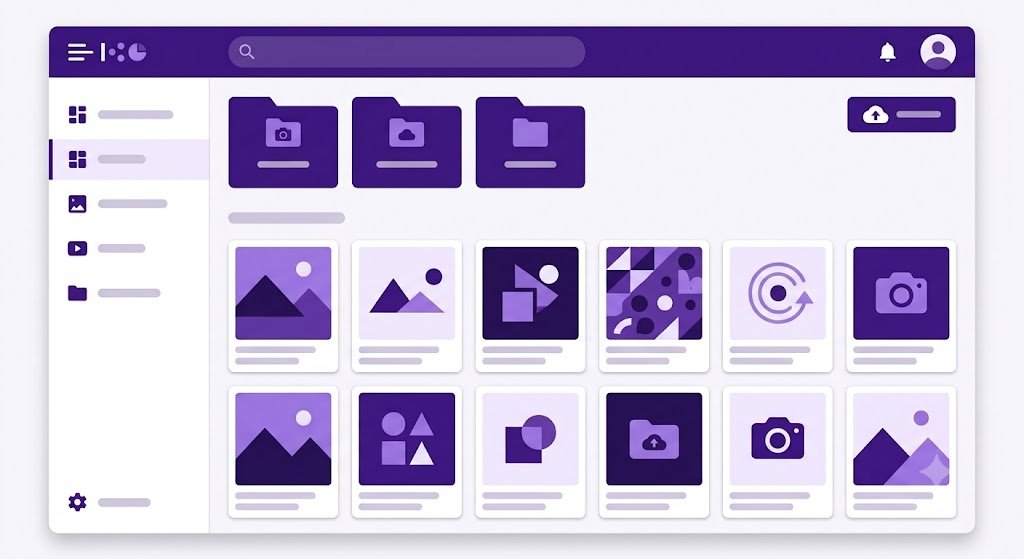
Media Library Core manages images. Common documents, PDFs, audio and videos are managed through menus Files, is not considered a Media Library image.
Metadata and storage
Media records store URL, file name, MIME, size, dimensions, title, alt, caption, credit, visibility, disk storage, storage path, access scope, and owner. Public uploads are on public disk. Private images are outside the web root and are served by the controller.

Access rules
public: only truly public if visibility, disk, and scope are all public.editorial: intended for content teams who have access to private assets.admin: restrict assets to authorized administrators.
Private image URLs are provided by Media Picker and are checked when requested. Knowing the URL does not bypass sessions and permissions.
Safe operation
Fill in the alt text according to the image function and optimize the size before uploading. Media permissions separate read, upload, update, and delete and can use the owner's scope. Different from articles, pages, categories, theme content, and users, the Core media table does not have a soft delete column. The delete action can delete records and files; Verify usage and backup first.