

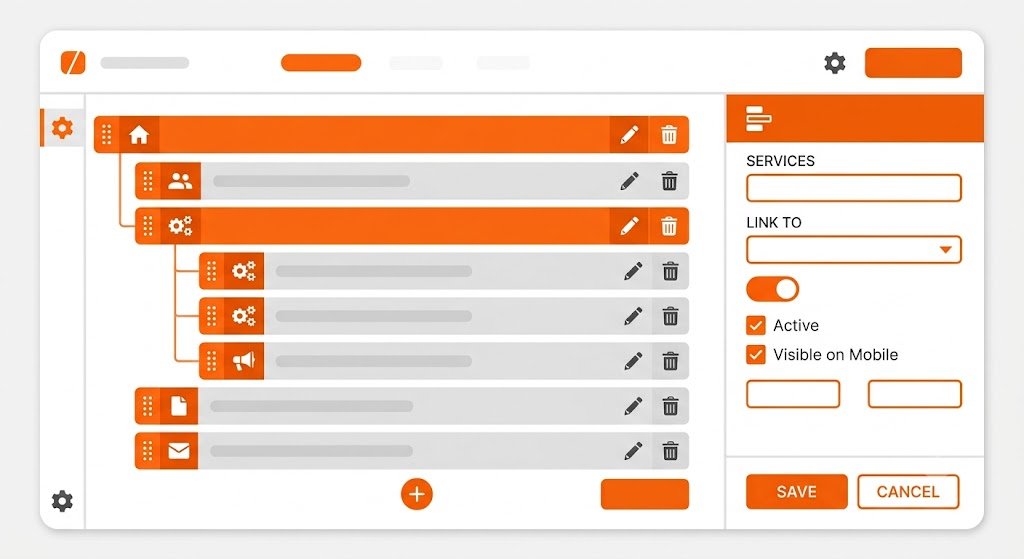
Menu Manager stores multiple menus and nested items. The menu does not automatically appear in all themes; themes or gadgets tz_nav_menu must select the menu slug to be rendered.

Item type
Items can designate custom URLs or record articles, pages, theme content, and categories. Items store labels, parents, sequences, targets, and hidden status. Use internal targets to allow route changes to be handled by Core; use custom URLs for external destinations or custom paths.
Hierarchy and order
Parent items must come from the same menu. The order determines your position. Dropdown capabilities, visual depth, active state, and mobile behavior remain the responsibility of the renderer/theme.
Theme Zones
In Customize, add or configure navigation gadgets in the positions declared by the theme. Mark menu choose slug, meanwhile depth, class, and list attributes help the theme shape the output. Always test links, keyboard focus, and narrow screen display after changes.
Menu management requires core.menus.manage. Changing the menu slug can break the theme configuration which still points to the old slug.