

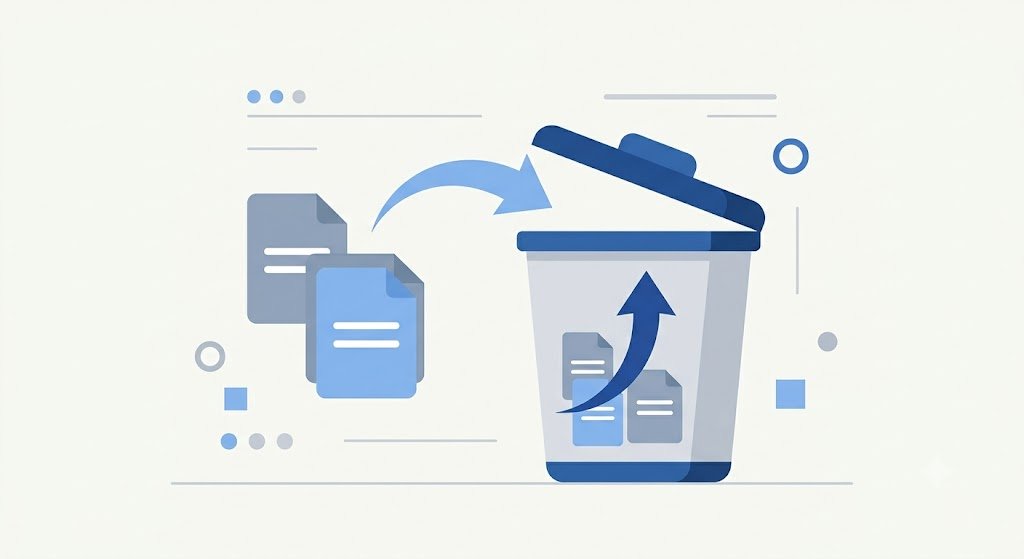
Recycle Bin Core applies to articles, pages, theme content, categories, and users who own them is_deleted/deleted_at. Media and File Libraries do not use the same soft delete contract.
Trash, restore, purge
The initial delete marks the record so that it does not appear in the active list or frontend. The Bin page per type displays items that users are allowed to see based on restore/purge permissions and the owner's scope.

Restore removes the delete mark. For content and category, Core checks for slug collisions with active records; resolve the conflict before trying again. Non-draft articles/pages may also require publish permissions when restored. Purge deletes permanent records and related database relationships can also be deleted via foreign keys.
What is not guaranteed
Core does not store state snapshots before trash in a separate column; The existing post status remains on record. There is no universal auto-clean promise or reason for deletion in the schema. Media/file delete has its own flow and can delete physical files, so don't rely on Bin for assets.
Safe procedure
- Limit restore and purge with minimum permission/scope.
- Check slug, route, category, and appearance after restore.
- Backup database and storage separately.
- Test restore backup; Trash only protects against some operational errors.