

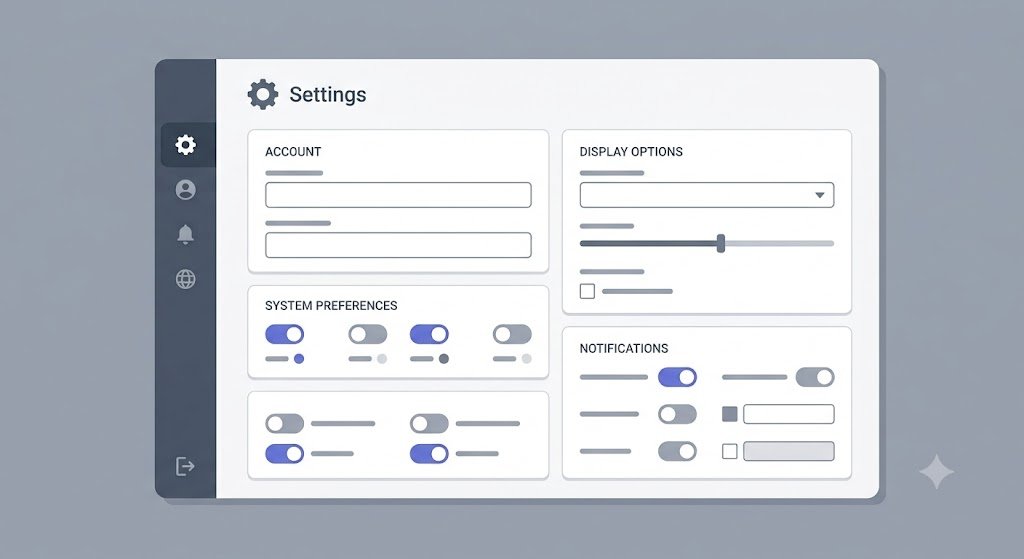
Settings separates site identity, language, authentication path, sidebar, permalink, and registration policy. Changes require setting permissions; some sensitive areas are also restricted to Site Owners.
Identity and language
Fill in the site title, description, URL and identity assets according to the deployment. site_language set the dashboard UI language, meanwhile content_default_language be the basic locale of the frontend. Core provides the en, id, and de UI seeds, but content translation requires a plugin.

Authentication path
admin_path, login_path, And register_path is the relative path that the router matches. The dashboard file remains outside the web root. Dashboard requests on the wrong path get a frontend 404, but custom paths are no substitute for strong passwords, HTTPS, and access restrictions.
Registration and permalink
Default registration is off. When activated, new accounts receive the Author system role; Optional approval keeps the account locked until approved. reCAPTCHA only works when features and credentials are configured.
The old permalink structure is still used as a fallback for content without a canonical route. Once the public URL changes, test the canonical and redirect. Avoid changing system paths to values that conflict with public files, content routes, or plugin routes.